
Your Everyday Technology Partner
Less Tech Friction.
More Getting Things Done.
Friendly computer support and dependable networks for people and small businesses. Clear explanations, sensible options, and help with the technology you already use.
A More Considered Approach
Real Help. Without The Technical Runaround.
A slow laptop, unreliable Wi-Fi, or a confusing new setup can put the whole day on hold. We take time to understand the problem, explain the options, and help you choose a practical next step.
- Listen First
- Explain Clearly
- Leave Useful Notes
- Clear Communication
- Practical Scope
- Useful Handover

What We Do
The Right Support For What Comes Next.
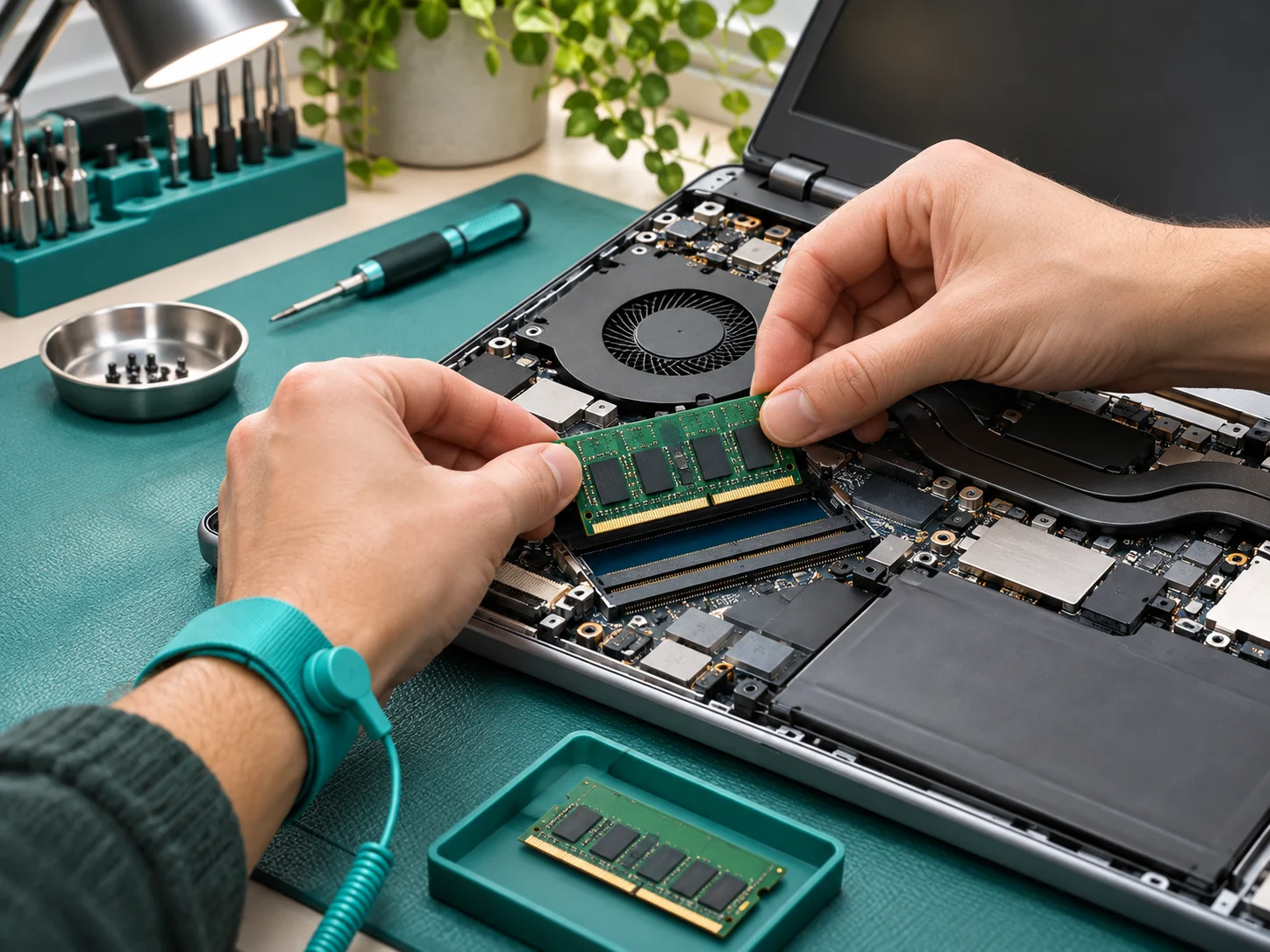
Computer Support
Find a practical path through slow performance, software problems, and everyday computer questions.
Explore Service
Network & Wi-Fi
Improve the way your devices connect with thoughtful placement, configuration, and troubleshooting.
Explore Service
Small Business IT
Organize the devices, accounts, and everyday support that keep a small team working.
Explore Service
New Device Setup
Move into a new computer or workspace with the accounts, applications, and accessories you need in place.
Explore ServiceWho We Serve
Built Around The Way Your Team Works.
The right solution starts with context. We tailor the scope to your priorities, constraints, and the people who will use the result.
Small Businesses
Keep the everyday tools behind appointments, customer work, and team communication manageable.
Explore Who We ServeThe Way We Work
A Clear Process. No Guesswork.
Understand the scope, know the next step, and keep the right people involved from the beginning.
- 01
Understand The Need
Describe the problem in your own words. We ask a few useful questions about what changed and what you need to do.
- 02
Agree The Plan
Understand the available options, likely limitations, and the proposed scope before work begins.
- 03
Put It Into Practice
Work through the agreed steps and keep you informed about changes or unexpected findings.
- 04
Review And Improve
Finish with a clear explanation and practical notes for the things you may need to do again.
From The Notebook
A Simple Checklist Before Replacing Your Laptop
A practical perspective on planning, asking useful questions, and making a considered decision.

Planning • A Short Read
A Simple Checklist Before Replacing Your Laptop
A slow computer can be frustrating, but replacement is not always the first answer. A few practical checks can help you understand whether the problem is the device, the software, or the way it is being used.
Read The ArticleCan You Help If I Am Not Technical?
Yes. Start with what you are trying to do and what happens instead. You do not need to diagnose the problem before asking for help.
Should I Share My Password In The Contact Form?
No. Please do not send passwords, recovery codes, or private account information. If a task requires sign-in, we will discuss an appropriate way for you to complete it.
Can Every Problem Be Solved Remotely?
No. Device damage, failed connectivity, and some recovery issues need a different approach. We discuss what is practical before arranging the next step.
Useful Answers
Clarity Before The Next Step.
Good questions make better projects. If your situation is different, we can talk through the details.
Start A Conversation
Tell Us What’s Getting In Your Way.
A few details about your goals are enough to begin. Let’s work out what makes sense.