
Nexwell Tech
Services Built Around Your Priorities
Explore Nexwell Tech services and find a practical starting point for your next project.
Our Capabilities
Find The Right Starting Point.
Choose a focused service or talk with us about a connected scope. We begin with what your team needs, not a preset package.
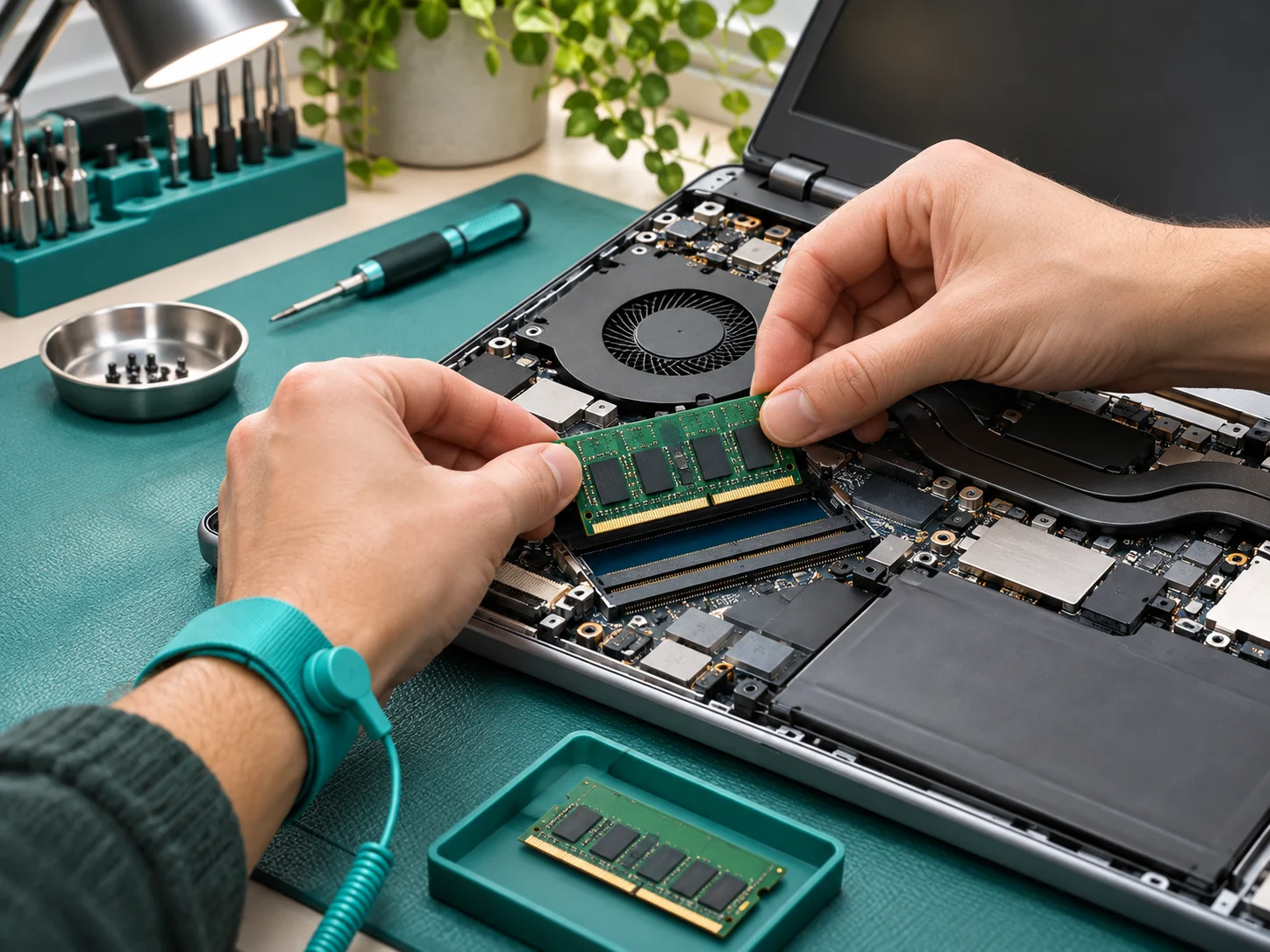
Computer Support
Find a practical path through slow performance, software problems, and everyday computer questions.
Explore Service
Network & Wi-Fi
Improve the way your devices connect with thoughtful placement, configuration, and troubleshooting.
Explore Service
Small Business IT
Organize the devices, accounts, and everyday support that keep a small team working.
Explore Service
New Device Setup
Move into a new computer or workspace with the accounts, applications, and accessories you need in place.
Explore Service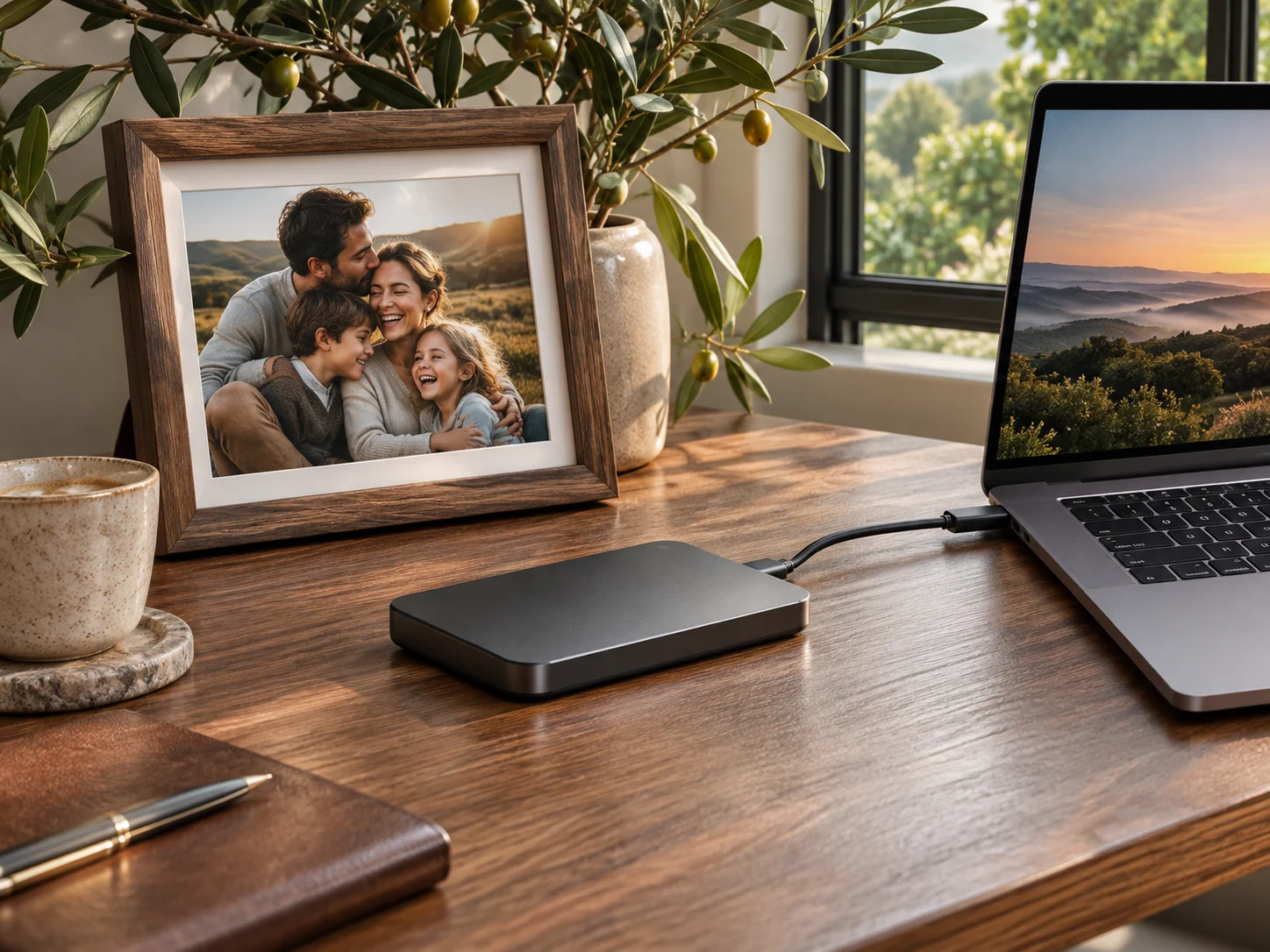
Data Backup
Build a simple, understandable backup routine for important work and personal files.
Explore Service
Email & Productivity
Make email, calendars, shared files, and common office tools easier to use together.
Explore Service
Cyber Safety
Take practical steps to protect accounts and devices without turning security into a confusing project.
Explore Service
Remote Support
Resolve suitable computer and software issues through a clear, consent-based remote support session.
Explore ServiceThe Way We Work
A Clear Process. No Guesswork.
Understand the scope, know the next step, and keep the right people involved from the beginning.
- 01
Understand The Need
Describe the problem in your own words. We ask a few useful questions about what changed and what you need to do.
- 02
Agree The Plan
Understand the available options, likely limitations, and the proposed scope before work begins.
- 03
Put It Into Practice
Work through the agreed steps and keep you informed about changes or unexpected findings.
- 04
Review And Improve
Finish with a clear explanation and practical notes for the things you may need to do again.
Can You Help If I Am Not Technical?
Yes. Start with what you are trying to do and what happens instead. You do not need to diagnose the problem before asking for help.
Should I Share My Password In The Contact Form?
No. Please do not send passwords, recovery codes, or private account information. If a task requires sign-in, we will discuss an appropriate way for you to complete it.
Can Every Problem Be Solved Remotely?
No. Device damage, failed connectivity, and some recovery issues need a different approach. We discuss what is practical before arranging the next step.
Useful Answers
Clarity Before The Next Step.
Good questions make better projects. If your situation is different, we can talk through the details.
Start A Conversation
Tell Us What’s Getting In Your Way.
A few details about your goals are enough to begin. Let’s work out what makes sense.