
A Focused Capability
Get Back To A Computer That Works For You
Find a practical path through slow performance, software problems, and everyday computer questions.
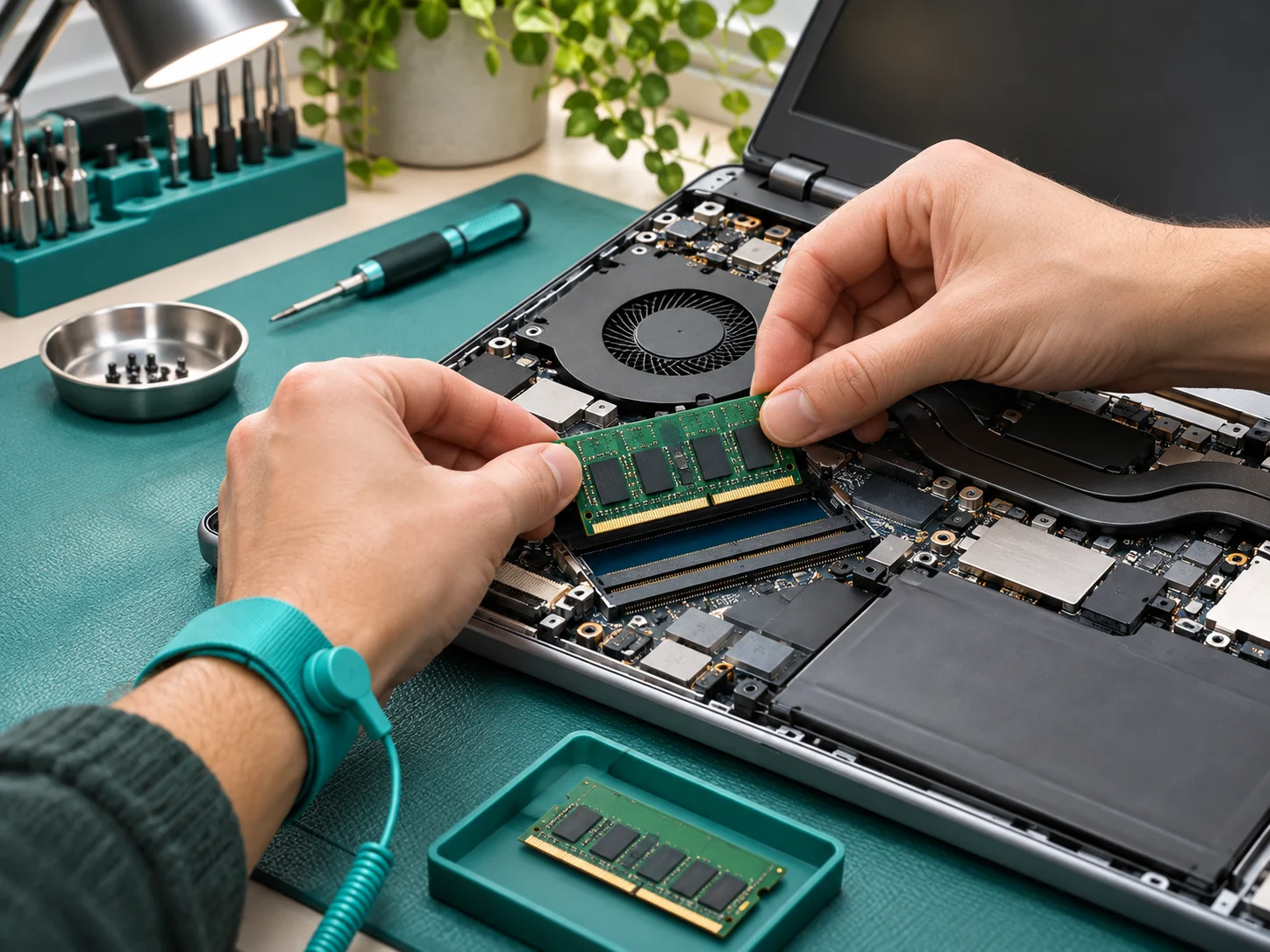
The Practical Starting Point
Computer Support With A Clear Purpose.
Troubleshooting starts with symptoms, recent changes, and how the computer is used. We review the basics before recommending repairs or replacement. Important files, device condition, and your budget are part of the conversation so that a quick fix does not create a bigger problem later.
Your files, time, and comfort with technology matter. We explain the proposed approach, identify anything you need to approve, and avoid treating replacement as the answer to every problem.
Considered From The Start
A Scope You Can Understand.
A practical plan should tell you what can be checked, what may require another service, and what information is needed to begin.
- Clear priorities
- Defined ownership
- Practical milestones
- Useful documentation
- Review checkpoints
- A handover plan
How We Can Help
The Details That Make The Difference.
Your final scope depends on the starting point and the outcome you need. These are the areas we explore together.
Performance checks
Software setup
Update guidance
Device diagnostics
File organization
Repair planning

Plan Before You Change
Connect The Detail To The Bigger Picture.
Small details can make a support session more useful. Note the message you are seeing, when the issue started, and any recent changes. Keep passwords and private account codes out of email; we can discuss safe ways to complete any required sign-in.
- Agree on the outcome and the information needed to define the work.
- Identify dependencies, constraints, and the people who need to be involved.
- Document decisions and review the result against the agreed scope.
What Happens Next
A Clear Process. No Guesswork.
Understand the scope, know the next step, and keep the right people involved from the beginning.
- 01
Understand The Need
Describe the problem in your own words. We ask a few useful questions about what changed and what you need to do.
- 02
Agree The Plan
Understand the available options, likely limitations, and the proposed scope before work begins.
- 03
Put It Into Practice
Work through the agreed steps and keep you informed about changes or unexpected findings.
- 04
Review And Improve
Finish with a clear explanation and practical notes for the things you may need to do again.
Should I Repair Or Replace My Computer?
That depends on the fault, age, support status, repair cost, and the work you need it to do. We explain the tradeoffs before you make a decision.
How Does The Work Begin?
We start with your goals, the current situation, and the people involved. Nexwell Tech then defines a proposed scope, responsibilities, and next steps before implementation begins.
What Will The Service Cost?
The scope, complexity, existing environment, and ongoing support needs shape the cost. Request a conversation for a tailored proposal. No paid commitment is made through this website.
Useful Answers
Clarity Before The Next Step.
Good questions make better projects. If your situation is different, we can talk through the details.
Start A Conversation
Tell Us What’s Getting In Your Way.
A few details about your goals are enough to begin. Let’s work out what makes sense.